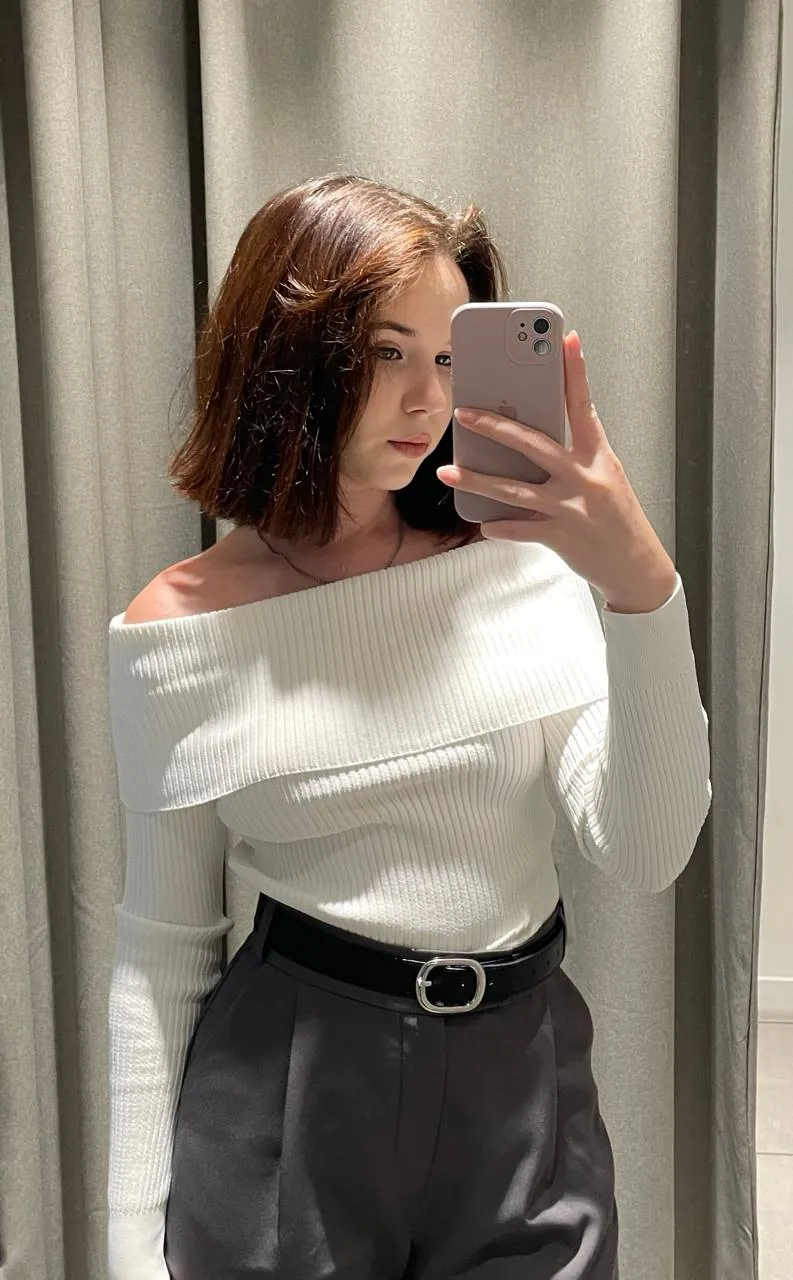
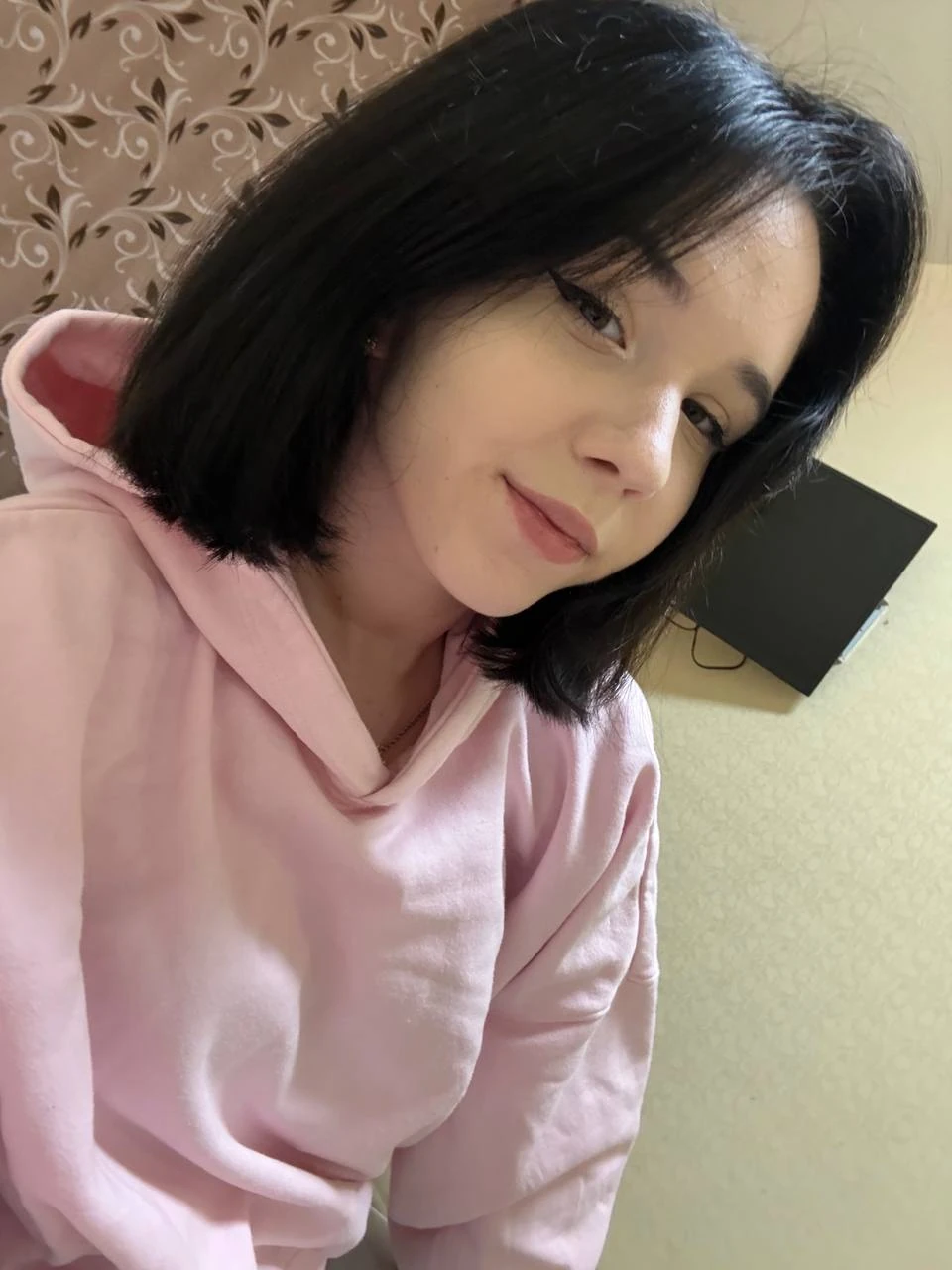
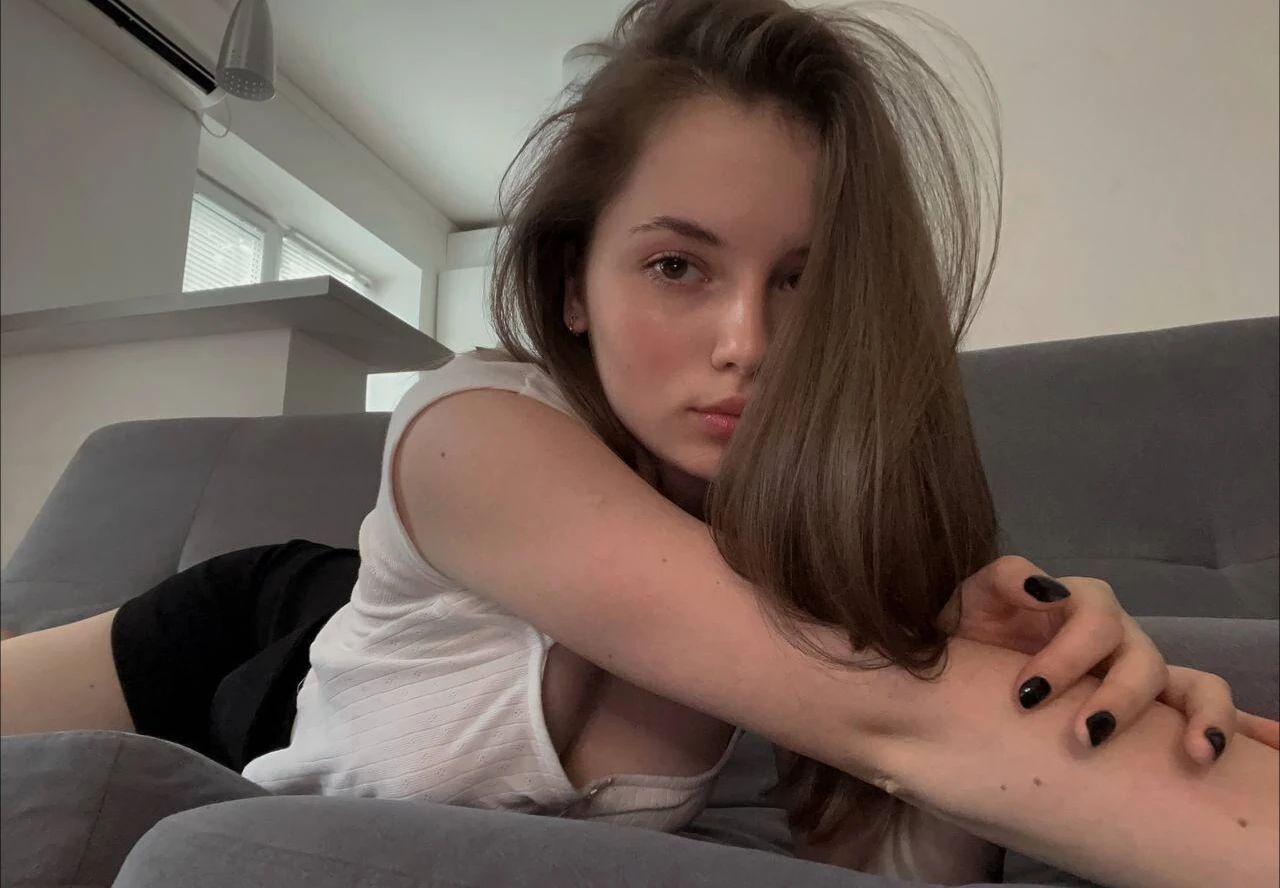
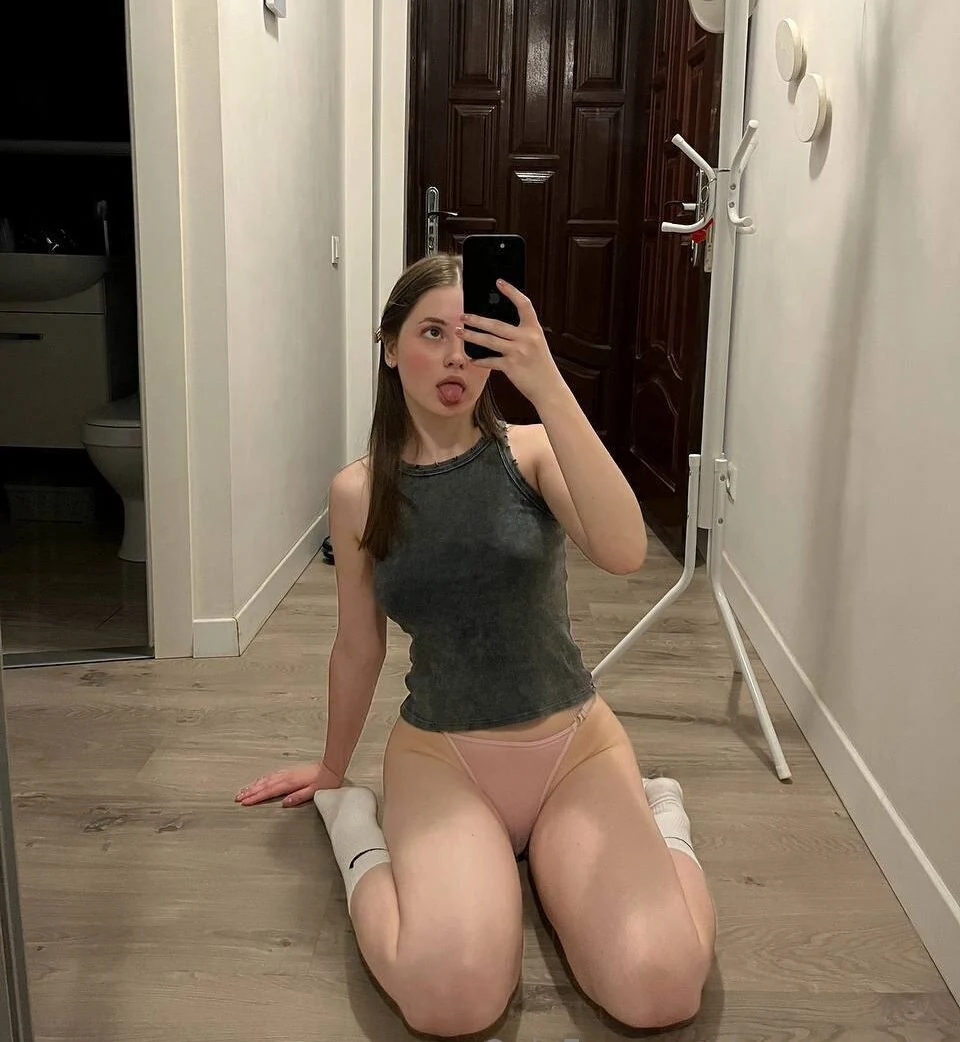

Texas OnlyFans creators are gathered on this page, so a fan can browse the whole state in one list instead of chasing usernames. The featured pick is at the top of this page, and each OnlyFans Texas page listed below it shows a Texas connection on its public profile.
Texas is too big for a single search to be much use. A creator in El Paso and one in Houston are a long day's drive apart, so this guide works region by region. Below: what a Texas label can prove, the main regions and their labels, a search method and a quick price check.
OnlyFans does not verify where creators live, so a Texas label is the creator's own statement. Every page in this list is here because of what its creator states publicly: a bio line, a location field or a linked social account.
The same label can point in different directions:
None of this can be checked from outside. Use the label to find pages in your part of the state, and judge each one on its profile.
Texans already describe their state by region, and creators' profiles tend to follow the same map.
The biggest metro usually appears as DFW or the Metroplex, and sometimes as Dallas or Fort Worth on its own. Suburban creators often use the metro label rather than their town, and those further out, toward Denton or the Oklahoma line, may simply write North Texas. In a bio, 214, 469 and 972 point to the Dallas side, while 817 points to Fort Worth.
Houston profiles may say H-Town or show 713, 281 or 832. Along the coast, Galveston comes up, and Beaumont in the 409 area sits further east near the Louisiana line. Creators anywhere in the wider metro often just write Houston.
Central Texas labels center on Austin, with the 512 code, and San Antonio, with 210. Creators between the two, or out west of them, may write Hill Country or Central Texas instead of a town. Smaller places along the corridor, such as Round Rock or San Marcos, show up now and then. Because the two cities sit close together, it pays to search both names.
Further south, profiles name Corpus Christi, with the 361 code, or the Rio Grande Valley, often shortened to RGV or "the Valley" and tied to 956.
El Paso, in the 915 area, sits closer to New Mexico than to most of Texas, so a creator there may tag Las Cruces or New Mexico. Midland and Odessa share 432, and Lubbock and Amarillo share 806. Profiles here often stop at "West Texas" or "the Panhandle".
East Texas profiles name Tyler or Longview, the Piney Woods or the 903 and 430 codes. Near the Louisiana border, a creator may tag Shreveport rather than a Texas town.
Finding Texas OnlyFans models near you comes down to four steps, each narrowing the last.
Comparing two or three pages from the same region before paying makes the choice clearer than subscribing to the first Texas name in a search. In a state this large, staying within one region also keeps the local label meaningful.
A Texas page's real cost sits in three places on the public profile, and it takes about a minute to find them all.
Renewal is automatic. A subscription renews at the current rate unless it is cancelled, so note the date when you sign up. On the creator's side, money comes from subscriptions, tips and PPV, and OnlyFans keeps a 20% fee on each payment while the creator receives the remaining 80%. That explains why so many pages combine a subscription with paid extras. Adding the expected PPV to the subscription price gives a truer monthly figure than the headline number alone.
Browsing by state is safe when money stays on OnlyFans and the creator decides how much of their location to reveal.
A minute of caution before paying protects both sides of the subscription.
For fans near the northern border, the closest state page is just across the Red River.
No. OnlyLocator is an independent directory for browsing OnlyFans creators by state and region. It is not affiliated with, endorsed by or operated by OnlyFans, which is owned and operated by Fenix International Limited.
Because the rules depend on where the user is. Every OnlyFans user must be at least 18, and depending on location, OnlyFans may use extra age-assurance checks before allowing access. Creators must meet the same 18+ requirement.
No rule ties price to a state. Each creator sets their own subscription price, and some charge nothing to follow. Two pages from the same Texas city can be priced very differently, so compare profiles rather than places.
Often, yes. A free account costs nothing to follow, and some creators run free trials or discounts on their own terms. PPV and tips still cost money on a free page, and a trial leads to the regular price unless cancelled.
Currency is the usual cause. Prices shown in local currency may include conversion fees, and a bank or card issuer can add its own fees on top of the price on the profile.
No. Subscriptions are non-refundable. Cancelling stops the next renewal, and access continues until the end of the billing period already paid for.